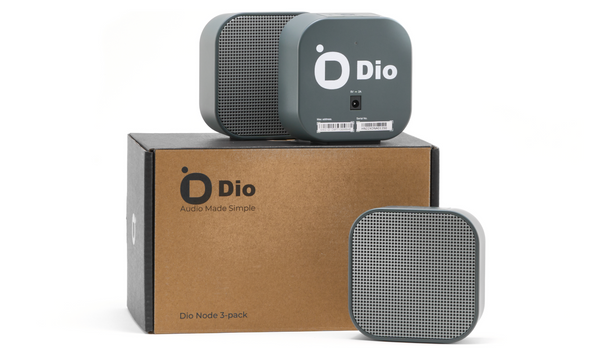
Airplay technology has revolutionized the way users interact with their audio devices, providing a seamless method to stream music wirelessly. This guide is designed to help users understand and make the most of Airplay for speakers, enhancing their audio experience. Whether setting up for personal use or integrating into a larger audio system, Airplay offers an array of functionalities that cater to a variety of needs.
Understanding Airplay Technology
Airplay is a proprietary protocol suite developed by Apple, allowing wireless streaming between devices. Originally introduced in 2004, Airplay has evolved significantly, offering advanced features that cater to modern audio streaming requirements.
Key Features of Airplay
Airplay offers numerous advantages that make it a preferred choice for audio enthusiasts:
- High-quality audio streaming with minimal latency.
- Multi-room audio capabilities, allowing different songs in different rooms or the same song synchronized across multiple speakers.
- Easy integration with Apple devices, including iPhones, iPads, and Mac computers.
- Ability to stream from a variety of apps, including Apple Music, Spotify, and more.
Setting Up Airplay for Speakers
To set up airplay for speakers, follow these straightforward steps:
- Ensure that both the speaker and the Apple device are connected to the same Wi-Fi network.
- On your Apple device, swipe down to access the Control Center.
- Tap on the ‘Airplay’ icon to view available devices.
- Select the desired speaker from the list to connect.
- Start playing music from your preferred app, and it will stream directly to the speaker.
Advanced Tips for Optimizing Airplay Usage
For those looking to maximize their Airplay experience, consider the following tips:
- Use a robust Wi-Fi network to prevent disruptions in streaming.
- Update your devices regularly to ensure compatibility and access to the latest features.
- Experiment with multi-room setups to fully leverage Airplay’s capabilities.
Troubleshooting Common Airplay Issues
While Airplay is generally reliable, users may occasionally encounter issues:
- If the speaker does not appear in the device list, check the Wi-Fi connection and ensure the speaker is powered on.
- For audio lag, verify that the Wi-Fi network is not overloaded and reduce the number of devices connected to it.
- If streaming quality is poor, try repositioning the router or using a Wi-Fi extender to boost signal strength.
Conclusion
Airplay continues to be a vital tool for enhancing audio experiences, offering high-quality, wireless streaming capabilities that meet the needs of today’s tech-savvy consumers. By understanding the setup process and taking advantage of its advanced features, users can enjoy a seamless and immersive sound experience. For more details on setting up Airplay with specific speaker models, consider exploring resources available online.